
Refining an Event Planning App That Won Google Play’s Best App Award
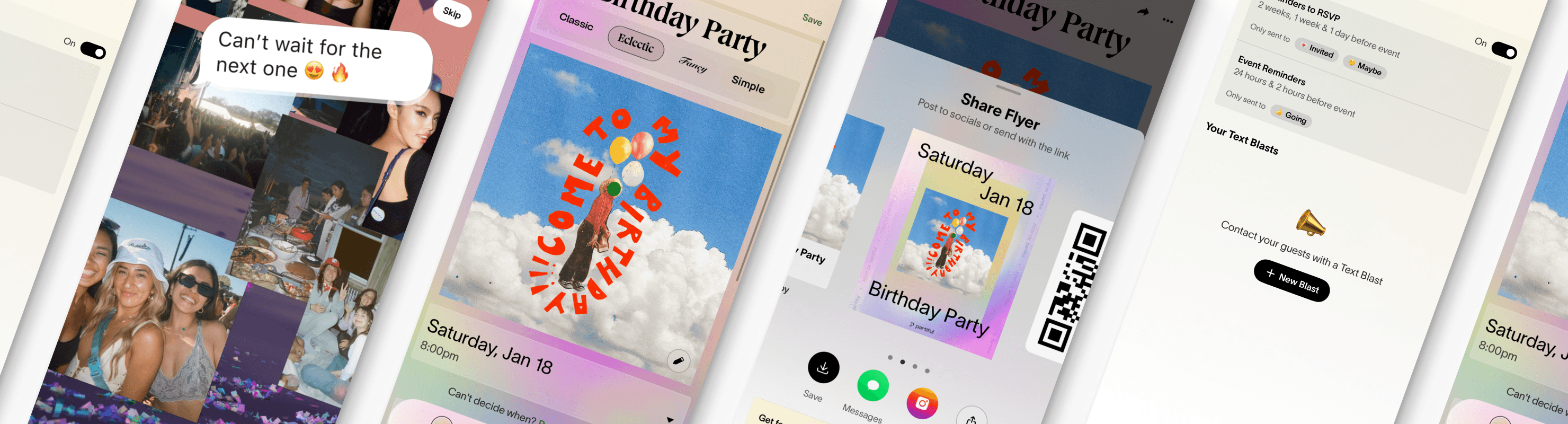
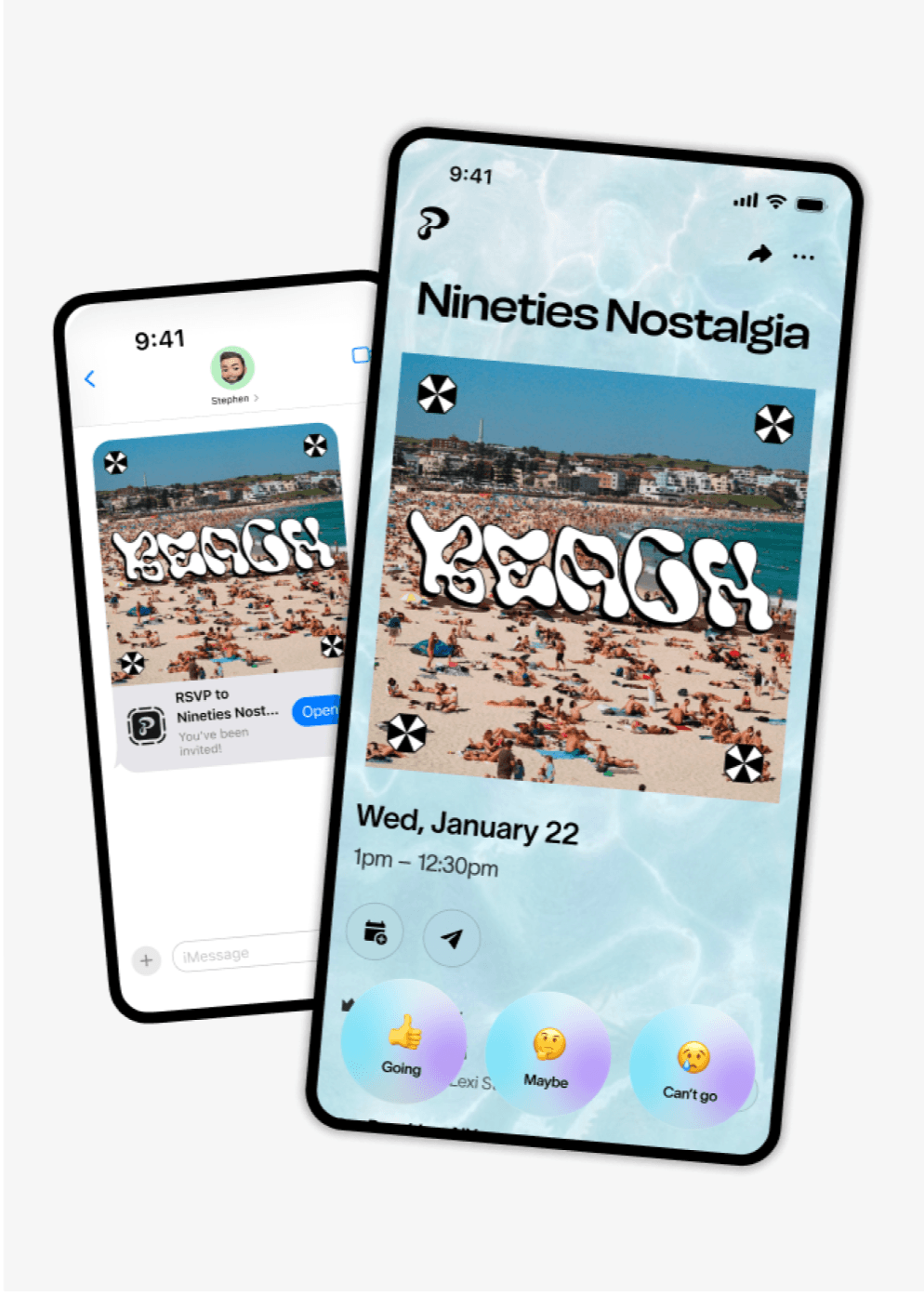
Partiful streamlines event planning with a perfect mix of fun design and practical functionality. Millions of people use it to plan everything from birthdays and house parties, to casual hangouts and major celebrations. With customizable invites, easy RSVP tracking, and fast communication with Text Blasts, Partiful brings everything you need to plan an event into one place.
The client was looking for experts to improve the functionality of its Android app, focusing on design, stability, and usability. We joined the project, recreating Android-specific features, helping to increase user engagement, and improving retention to drive more downloads.
Partiful has been named App of the Day by Apple multiple times and was a finalist for Apple's Cultural Impact Award in 2024. That same year, it won Google Play's Best App award. More recently, the team was recognized by Fast Company as one of the most innovative companies in social media. In 2026, Partiful was listed as one of the top 26 apps for 2026.
- Mobile app development
- Bug fixing
- Performance optimization
- React Native
- Expo
- RN Reanimated
- RN Gesture Handler
- RN Screens
- SwiftUI
- Kotlin
- OpenGL
Challenges
Partiful came to us with a clear mission: to expand the React Native iOS app and improve the Android app.
The goal was to achieve feature parity across both iOS and Android, delivering a consistent user experience. However, this presented several challenges such as building custom transparent videos or recreating iOS-specific features like blur effects.
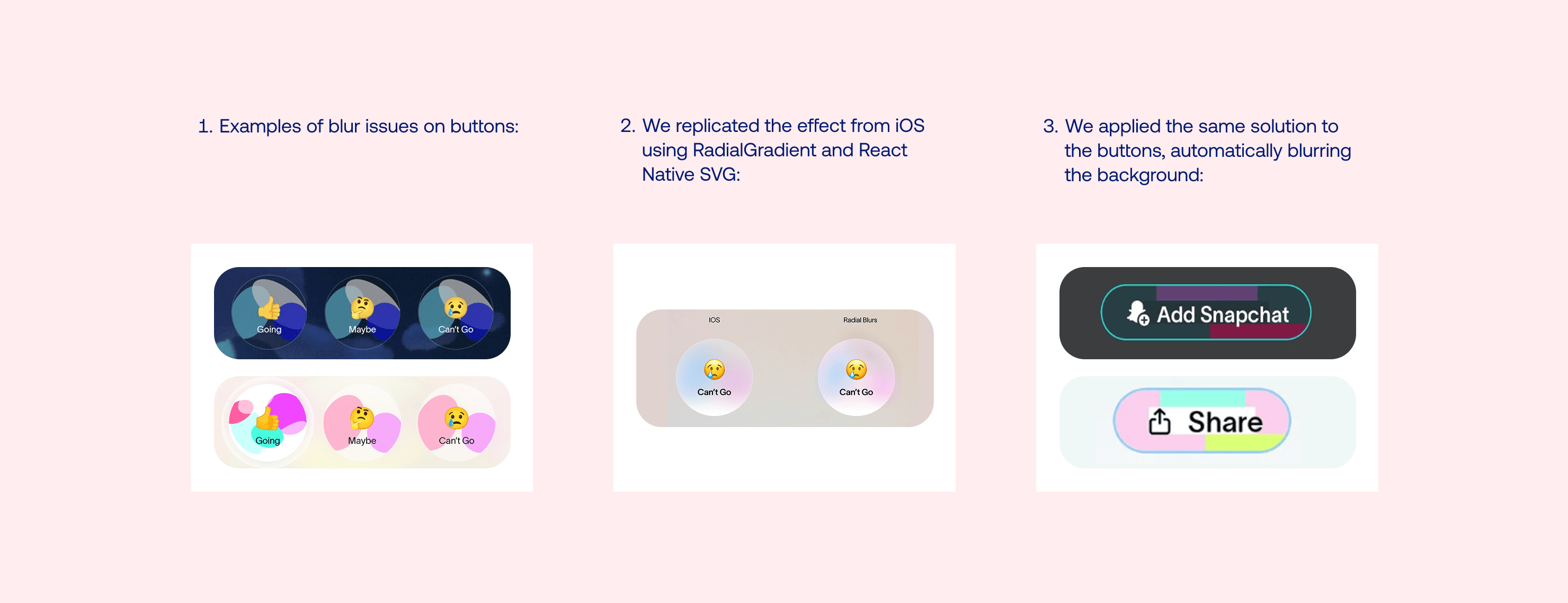
Recreating blur effects on Android
To ensure feature parity across platforms, we needed to recreate the blur effect on Android. What seemed like a straightforward task presented unexpected challenges.
Blur effects feature prominently throughout the Partiful app, appearing in everything from modals to full-page backgrounds to buttons. Since React Native didn't natively support blur effects on Android, replicating this effect using existing tools proved to be more complex than anticipated.
We worked closely with Partiful’s design team to find a solution. As the app was already using ExpoBlur, we tried using a native blur view based on the BlurView library. However, BlurView was still experimental on Android and caused numerous issues like unblurred text, white flashes, or poor performance. On top of that, it took screenshots of the content and applied the blur afterward, draining excessive resources.
Due to tight timeline, we evaluated alternatives to blur, including solid colors, textured backgrounds, images, and various gradient types. For image blurring, we leveraged the built-in cross-platform blurRadius property. Ultimately, Partiful selected the linear gradient approach, as it was straightforward to implement, maintained performance efficiency, and delivered a visually appealing, stable, and responsive solution.
Bringing transparent video to Android
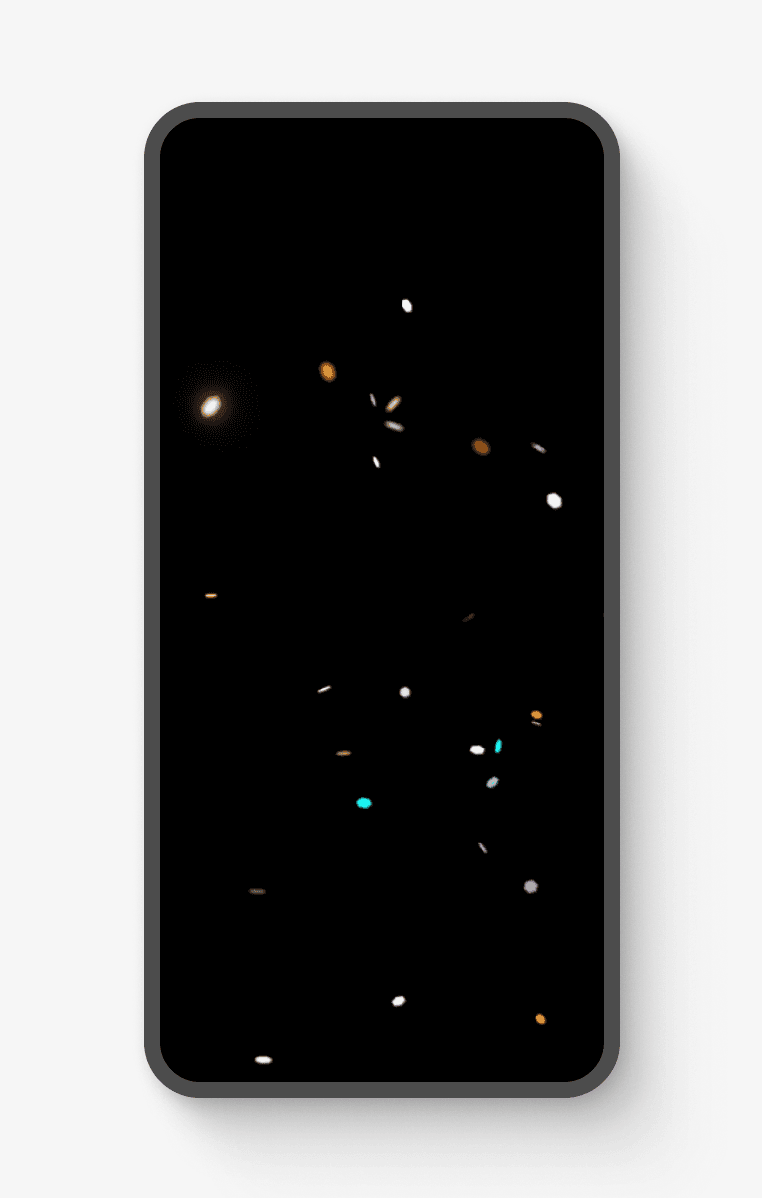
To give Android users the full app experience, Partiful wanted to bring over the transparent video effect from iOS. Since existing solutions didn’t cover this in React Native, we helped build it natively for Android.
The first hurdle was ExpoPlayer, the video player behind react-native-video and expo-video, which doesn’t support alpha-channel videos. This meant high-quality transparent videos couldn’t retain their transparency. We solved this by extracting the alpha channel from RGBA videos and merging it with the color video for seamless playback.
Next, we helped tackle Android implementation. The key was a custom TextureView to overlay the video’s bottom half transparently while displaying the top half normally. We used OpenGL to render the videos, but setting up the EGL context took extensive iteration to ensure everything worked without missing a beat. Once we had transparent videos rendering natively, we helped Partiful build an API to connect the native views, video player, and React Native’s JavaScript code.
The cherry on top? Transparent videos run on the GPU, meaning all the heavy lifting is handled by the graphics card instead of the CPU, keeping the app fast and efficient.
Developing Live Activity on iOS
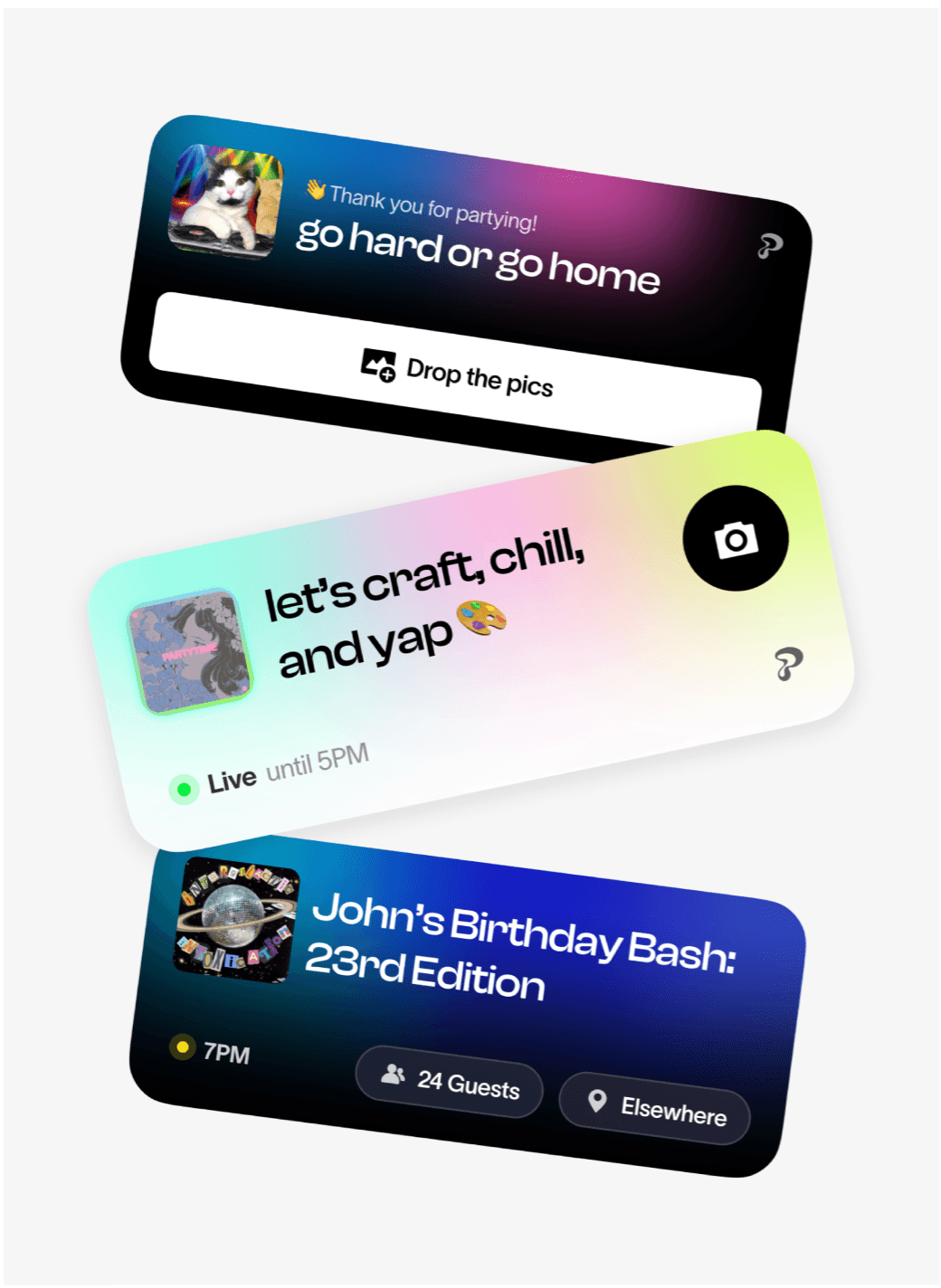
After fine-tuning the Android app, the client decided to keep the momentum going and asked us to add Live Activity to the iOS app version. Live Activity is Apple’s interactive notification feature that shows real-time updates like event location, date or time right in the Notifications Center and in the Dynamic Island.
Since this feature requires iOS native code in Swift and SwiftUI, we integrated it into React Native by creating custom native modules. We focused on:
- Implementing a WidgetKit extension for Live Activity
- Using SwiftUI to design the UI of Live Activity
- Developing a native module to trigger and update Live Activity based on events or notifications
- Performing end-to-end testing to ensure seamless performance across all targets
This allowed us to bridge the gap between JavaScript and iOS components, ensuring smooth real-time updates and UI synchronization.
Creating an App Clip for iOS to delight new users
To expand Partiful’s reach and drive more downloads, we developed an App Clip – a lightweight, sub-50MB version of the app designed to provide quick access to essential features.
The main goal of the App Clip is to deliver an app-like experience for users who don't have the Partiful app: a snappy, delightful, full-screen interface that doesn't require an app download. For hosts creating events on Partiful, sending their guests an invite that renders as an App Clip creates a "wow moment" that drives excitement for the party. Guests can quickly view event details and confirm attendance, getting a taste of the app's value.
As building the App Clip required creating a separate navigation stack, we replicated the navigators from the main app to maintain a seamless user flow. This way, we ensured a consistent user experience across both the App Clip and the full app version.
Context refactoring for improved app performance
We helped Partiful identify performance bottlenecks in its monolithic data structure. This single, large context caused frequent re-renders whenever components accessed shared values, slowing down the app.
To address it, we recommended refactoring the context, splitting the monolithic structure into more manageable modules. The goal was to reduce unnecessary re-renders by isolating specific data into their own contexts. With clear guidelines provided by the client team, we helped implement a modular architecture, making the app more responsive. As a top contributor to Expo, we also supported Partiful in optimizing Expo upgrades, ensuring smooth integration across workspaces and contexts, which made the app more maintainable and scalable.
Results
The Partiful app takes event planning to the next level with its vibrant design and playful features.
Throughout our cooperation, we significantly improved the performance of Partiful’s Android app. By introducing features like blur effects and transparent videos on Android, along with Live Activity on iOS, we helped the client boost user engagement and improve the overall UX.
Key results of our cooperation include:
-
Best App
of Google Play in 2024
-
5.0
on App Store
-
4.9
on Google Play
-
One of 26
apps for 2026 by Apple